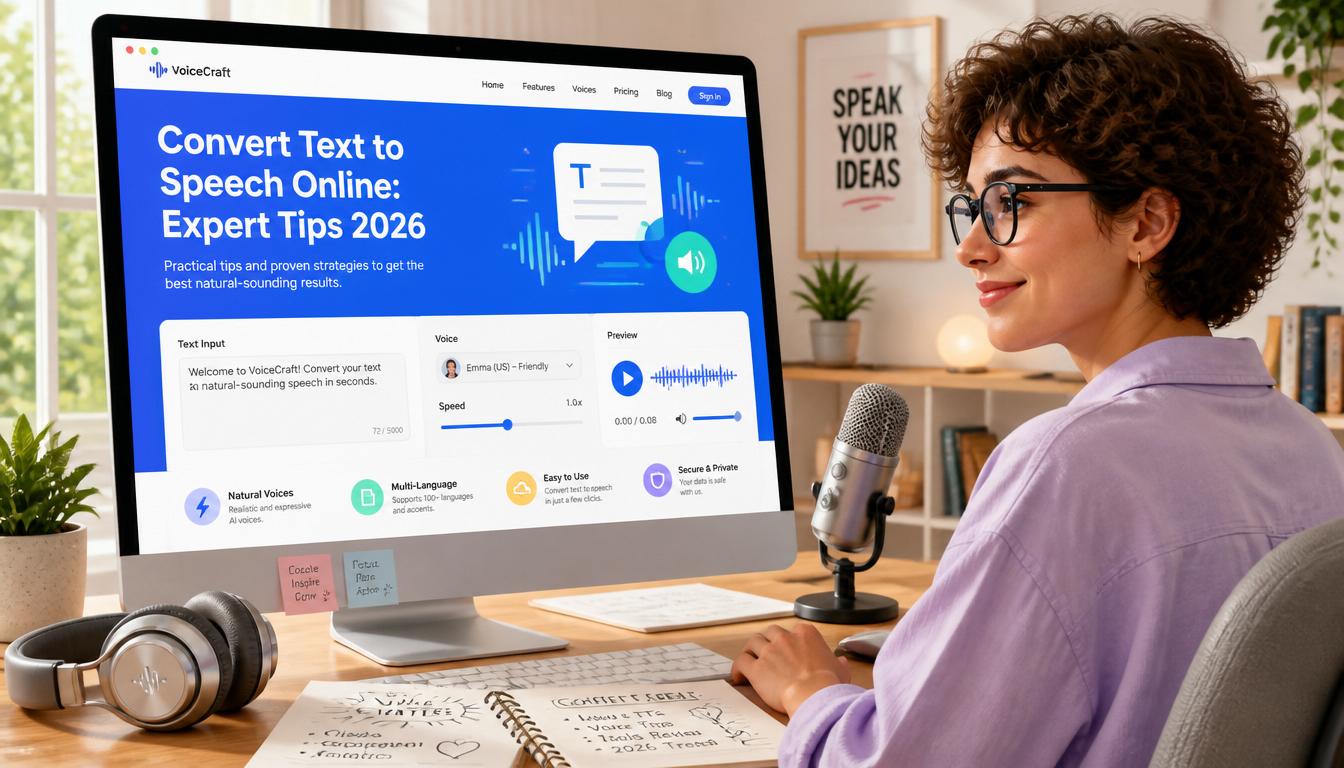
Convert Text to Speech Online: Expert Tips 2026
Learn how to convert text to speech online for free in 2026 with expert tips. Enhance productivity and accessibility using the latest tools.
In 2026, the demand for accessible, efficient, and cost-effective text-to-speech (TTS) solutions is higher than ever. With remote work and online content consumption at an all-time high, converting text to speech online for free is a practical skill that enhances productivity and accessibility.
Understanding Text-to-Speech Technology
Text-to-speech technology transforms written text into spoken words, enabling content to be consumed audibly. This has profound implications for accessibility, allowing individuals with visual impairments to access digital content. Moreover, TTS is invaluable for multitaskers who prefer listening over reading.
How It Works
- Input: Enter the text you want to convert.
- Processing: The software uses complex algorithms and pre-recorded voices to process and convert text.
- Output: The output is a smooth, natural-sounding audio file.
Step-by-Step: Converting Text to Speech Online
Transforming text to speech is straightforward with the right tools. Follow these steps:
- Select a Tool: Choose a reliable online TTS tool. SimpleCyto offers several free options that are user-friendly and efficient.
- Input Text: Paste or type your text into the tool's input box.
- Choose a Voice: Select from available voice options—male, female, or even accents.
- Adjust Settings: Modify speed, pitch, and volume to suit your preferences.
- Convert and Download: Click the convert button and download your audio file.
Common Mistakes to Avoid
- Overlooking Voice Quality: Always sample voices before converting to ensure quality.
- Ignoring File Formats: Ensure the tool supports your desired output format (e.g., MP3, WAV).
- Skipping Settings: Adjusting speed and pitch is crucial for a natural sound.
Best Practices for Text-to-Speech Conversion
- Proofread Text: Ensure your text is error-free to avoid inaccuracies in the audio.
- Use High-Quality Sources: Utilize tools known for high-quality audio output.
- Experiment with Voices: Different voices can impact the listener's engagement.
Real-World Example: Enhancing E-Learning
Consider an e-learning platform looking to make its content more accessible. Before: Content was only available in text, limiting accessibility. After: By integrating TTS, the platform expanded its reach, catering to auditory learners and improving user engagement.
| Feature | Before TTS | After TTS |
|---|---|---|
| Accessibility | Limited | Enhanced |
| Audience Reach | Narrow | Broadened |
| User Engagement | Moderate | High |
Frequently Asked Questions
1. Can I use text-to-speech for commercial purposes? Yes, but ensure you review the licensing agreements of the TTS tool you are using.
2. What are the best TTS tools available in 2026? SimpleCyto offers top-rated free tools, alongside other platforms like Google Text-to-Speech and Amazon Polly.
3. How do I ensure the audio quality is high? Choose tools known for quality and always preview audio before finalizing.
4. Are there limitations to free TTS tools? Free tools might have limitations on text length or voice options compared to paid versions.
5. Can I customize voice settings? Most tools offer settings to adjust speed, pitch, and volume, enhancing personalization.
Final Thoughts
Mastering text-to-speech conversion is a valuable skill that can transform how you and your audience engage with content. Start by experimenting with free tools available on platforms like SimpleCyto, and explore the diverse applications of TTS technology. Embrace the future of digital communication with confidence and creativity.