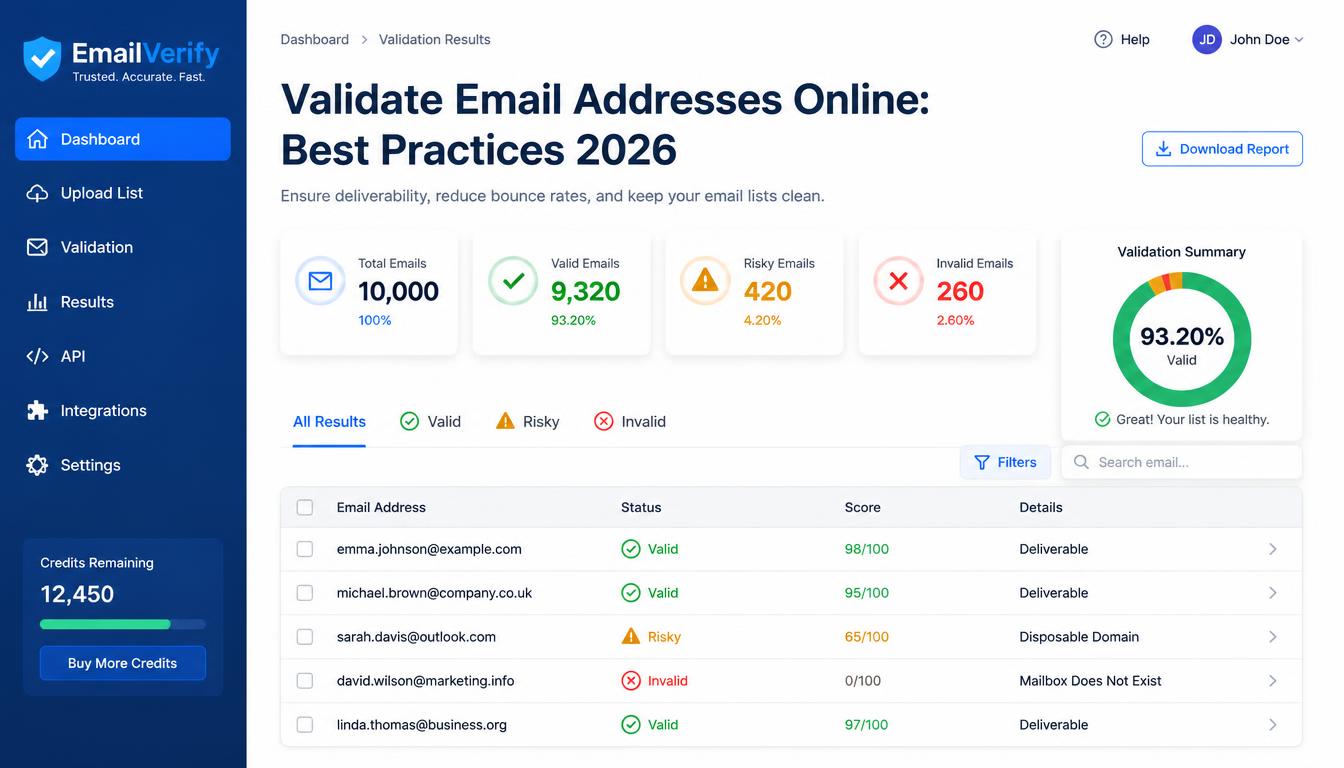
Validate Email Addresses Online: Best Practices 2026
Discover how to validate email addresses online for free in 2026. Enhance accuracy and efficiency with our expert tips and step-by-step guide.
In the fast-paced digital landscape of 2026, ensuring the accuracy of email addresses has become more critical than ever. With countless emails sent daily, the need for effective validation processes is paramount to maintain communication efficiency and security. This article dives into the nuances of how to validate email addresses online for free, offering insights and tools that keep your data clean and your operations smooth.
Why Email Validation is Essential Today
Email remains a primary communication channel for both personal and professional correspondence. However, invalid or malformed email addresses can lead to undelivered messages, wasted resources, and even potential security breaches. Recent studies indicate that over 20% of emails are inaccurately entered, highlighting the importance of validation tools.
How to Validate an Email Address Online
Choose the Right Tool: Opt for reliable online platforms that offer robust validation features. SimpleCyto provides an array of free tools that efficiently verify email formats, domain validity, and server response.
Verify Syntax: Ensure the email address follows the correct format, including the presence of the '@' symbol and a valid domain.
Domain Verification: Check if the domain exists and is active. This can prevent sending emails to non-existent domains.
SMTP Check: This advanced step involves connecting to the mail server to verify the recipient's address without sending an email.
Blacklist Cross-Reference: Ensure the email isn't on any spam or blocklists to avoid deliverability issues.
Common Mistakes to Avoid
- Ignoring Syntax Errors: Always correct typos or format errors to prevent immediate rejections.
- Skipping Domain Checks: Failing to verify the domain can lead to bounce backs from non-existent domains.
- Overlooking Blacklists: Sending emails to blacklisted addresses can harm your sender reputation.
Best Practices for Email Validation
- Regular Cleaning: Conduct routine email list cleaning to remove inactive or invalid addresses.
- Use Double Opt-In: Implement this feature to ensure that users confirm their email addresses.
- Monitor Bounce Rates: High bounce rates can indicate underlying validation issues.
Email Validation Checklist
| Step | Action |
|---|---|
| Choose a Tool | Use SimpleCyto's free email validation tool |
| Syntax Verification | Check for '@' and proper domain format |
| Domain Check | Verify domain existence and activity |
| SMTP Check | Confirm recipient address through server connection |
| Blacklist Check | Ensure email isn't listed in spam or blocklists |
Real-World Example
Consider a digital marketing firm that sends out newsletters to a subscriber list. After adopting a robust email validation process, including SimpleCyto's tools, they noticed a 15% increase in deliverability rates and a significant drop in bounce rates. This not only saved costs but also improved their email marketing ROI.
Frequently Asked Questions
How often should I validate my email list? Regular validation is recommended, ideally before sending out major campaigns or quarterly for active lists.
Can email validation prevent all bounces? While it significantly reduces bounces, other factors like server issues can also affect deliverability.
Is email validation secure? Yes, especially when using reputable tools that prioritize data privacy and security.
How can I validate emails in bulk? Many online tools, including SimpleCyto, offer bulk validation features that process large lists efficiently.
Final Thoughts
Incorporating email validation into your workflow is a game-changer in 2026. It enhances communication efficiency and protects your sender reputation. Start leveraging free online tools like those offered by SimpleCyto to streamline your email processes and maintain a clean, active contact list.
