Mastering Color Picker Tools for Web Design 2026
Learn how to efficiently use color picker tools for web design in 2026. Enhance your site's visual appeal with expert tips and common mistakes to avoid.
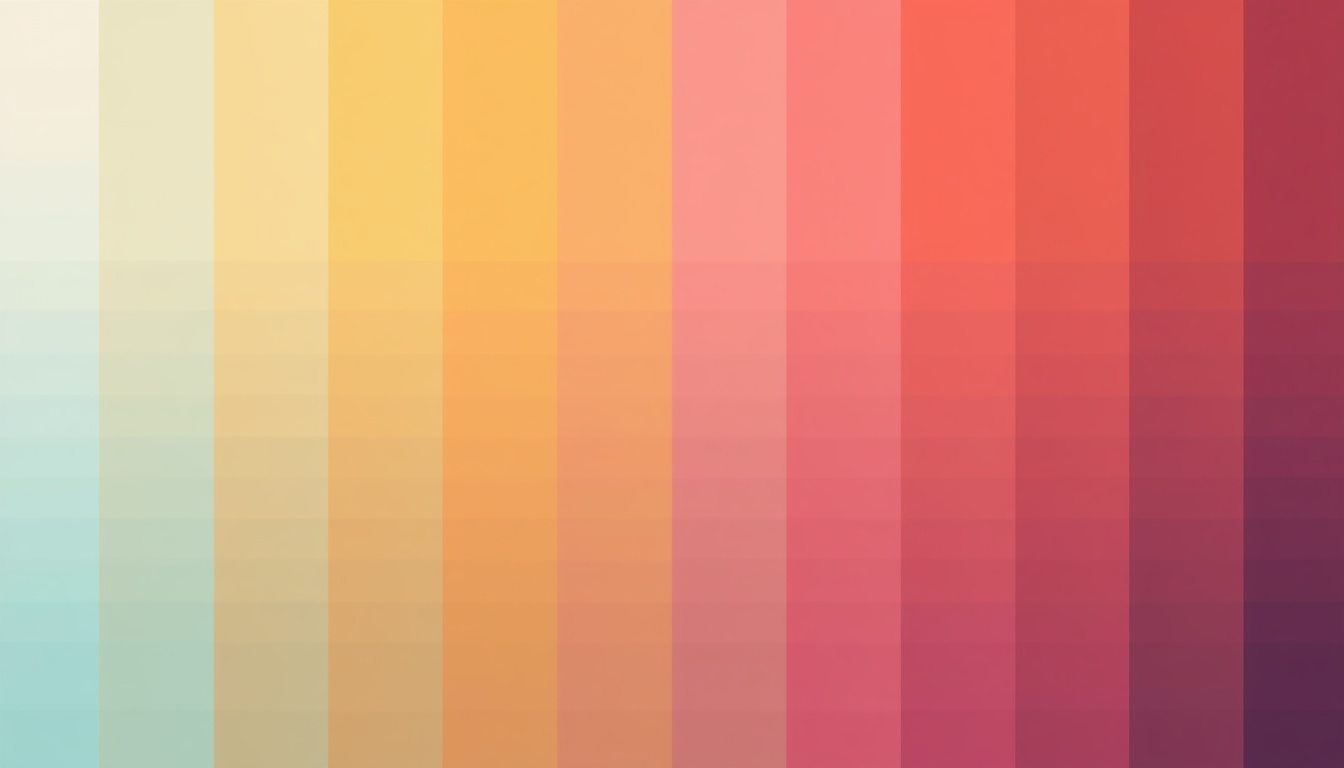
The digital landscape is more vibrant than ever, and effective use of color can make or break your web design. With the evolution of tools and technology, mastering color picker tools is essential for creating striking visuals that stand out in 2026.
Understanding the Power of Color Picker Tools
In the realm of web design, color picker tools are indispensable. They allow designers to select, save, and apply colors with precision. By understanding how to leverage these tools, you can drastically improve your workflow and ensure color consistency across your projects. Tools like Adobe Color, Coolors, and SimpleCyto’s free color picker are popular choices.
How to Use a Color Picker Tool Effectively
Using a color picker tool efficiently involves more than just selecting a hue. Here’s a step-by-step guide:
- Choose the Right Tool: Select a tool that integrates well with your design software. For instance, if you use Adobe Creative Suite, Adobe Color provides seamless integration.
- Understand Color Codes: Familiarize yourself with HEX, RGB, and CMYK codes. These are fundamental in ensuring your chosen colors look the same across different devices.
- Select and Save Colors: Use the tool to pick colors from images or the color wheel. Save your palette for future use, which helps maintain consistency.
- Apply Colors Thoughtfully: Consider color psychology and branding. Ensure your colors align with the brand message.
Common Mistakes to Avoid
While color picker tools simplify the process, certain pitfalls can hinder your design:
- Ignoring Accessibility: Always check color contrast to ensure readability for all users. Tools like the WebAIM Color Contrast Checker can assist.
- Overcomplicating Palettes: Stick to a limited color palette. Too many colors can be overwhelming and detract from the user experience.
- Neglecting Consistency: Use saved color codes across all platforms to maintain a uniform visual identity.
Best Practices for Using Color Picker Tools
Follow these best practices to optimize your use of color picker tools:
- Create Custom Palettes: Tailor palettes to your project needs and save them for quick access.
- Utilize Color Theory: Apply principles of color theory to craft harmonious combinations.
- Leverage Tool Features: Use additional features like gradients and transparency for more dynamic designs.
Comparison Table: Popular Color Picker Tools
| Tool | Platform | Key Features |
|---|---|---|
| Adobe Color | Web, Desktop | Integration with Adobe Suite, theme export |
| Coolors | Web, Mobile | Quick palette generation, export options |
| SimpleCyto | Web | Free, easy-to-use, diverse toolset |
Real-World Example: Before and After
Consider a website redesign scenario. Initially, the site used random colors without a cohesive palette, leading to a disjointed user experience. By employing a color picker tool, the design team curated a thoughtful palette that was consistent with brand identity. The result? A 30% increase in user engagement and positive feedback on the site's aesthetics.
Frequently Asked Questions
What is a color picker tool? A color picker tool is a digital tool that allows you to select colors from a color wheel or image, providing precise color codes for use in designing.
How do I ensure my color palette is accessible? Use contrast checking tools to verify that your text is readable and the color contrasts meet accessibility standards.
Can I use color picker tools for branding? Absolutely. These tools help you maintain brand consistency by allowing you to save and reuse your brand’s color palette.
Are there free color picker tools available? Yes, SimpleCyto offers a free, easy-to-use color picker tool among others that can enhance your design process.
Final Thoughts
Mastering color picker tools is a critical skill for any web designer aiming to create impactful and engaging websites. By understanding and applying best practices, avoiding common mistakes, and leveraging the right tools, you can elevate your design projects to new heights. Start experimenting with color today and watch your designs transform.